Our Laptop Services

We Service All Major Brand's

💻 “Any Brand, Any Problem — We’ve Got the Solution!”

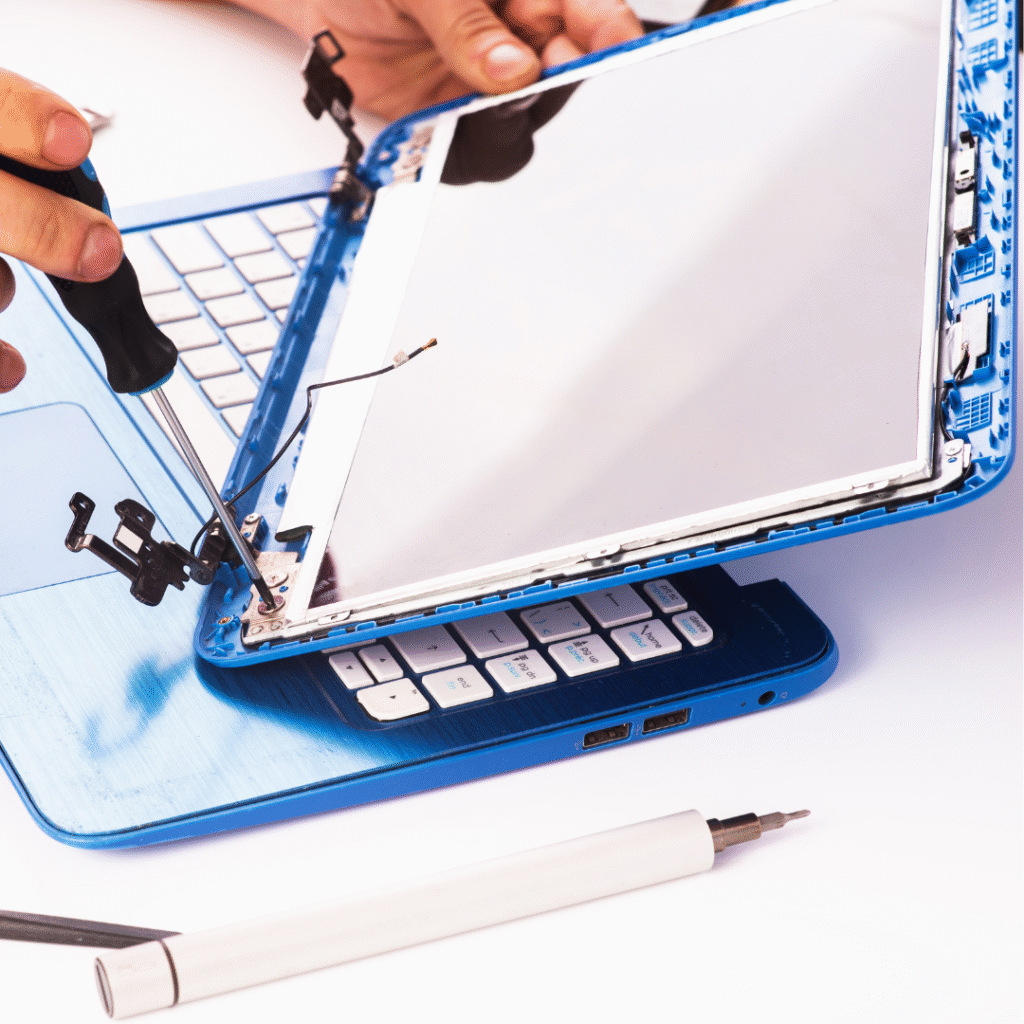
Display & Screen Repair

  • Display remains completely black even when the laptop is powered on

  • Flickering screen or brightness changes randomly

  • Lines, spots, or dead pixels appear on the display

  • Dim or very low brightness even at high brightness settings

  • Color distortion or inaccurate colors visible on screen

  • Screen shows ghost images or shadows after movement

  • Cracks or visible physical damage affecting display output

  • Display freezes while the laptop continues to run normally

  • External monitor works, but laptop screen does not

  • Screen turns white/blue/pink or shows distorted patterns

Power & Battery Services

  • Genuine & compatible batteries for all laptop brands

  • Expert diagnosis to confirm battery or power issue

  • Quick replacement with minimum downtime

  • Improves laptop backup and performance

  • Safe installation by trained technicians

  • Warranty provided on new battery

  • Affordable service with clear pricing

  • Disposal of old battery in an eco-friendly manner

  • On-site / Pickup & drop service options available

  • Free health checkup of charging port and adapter during service

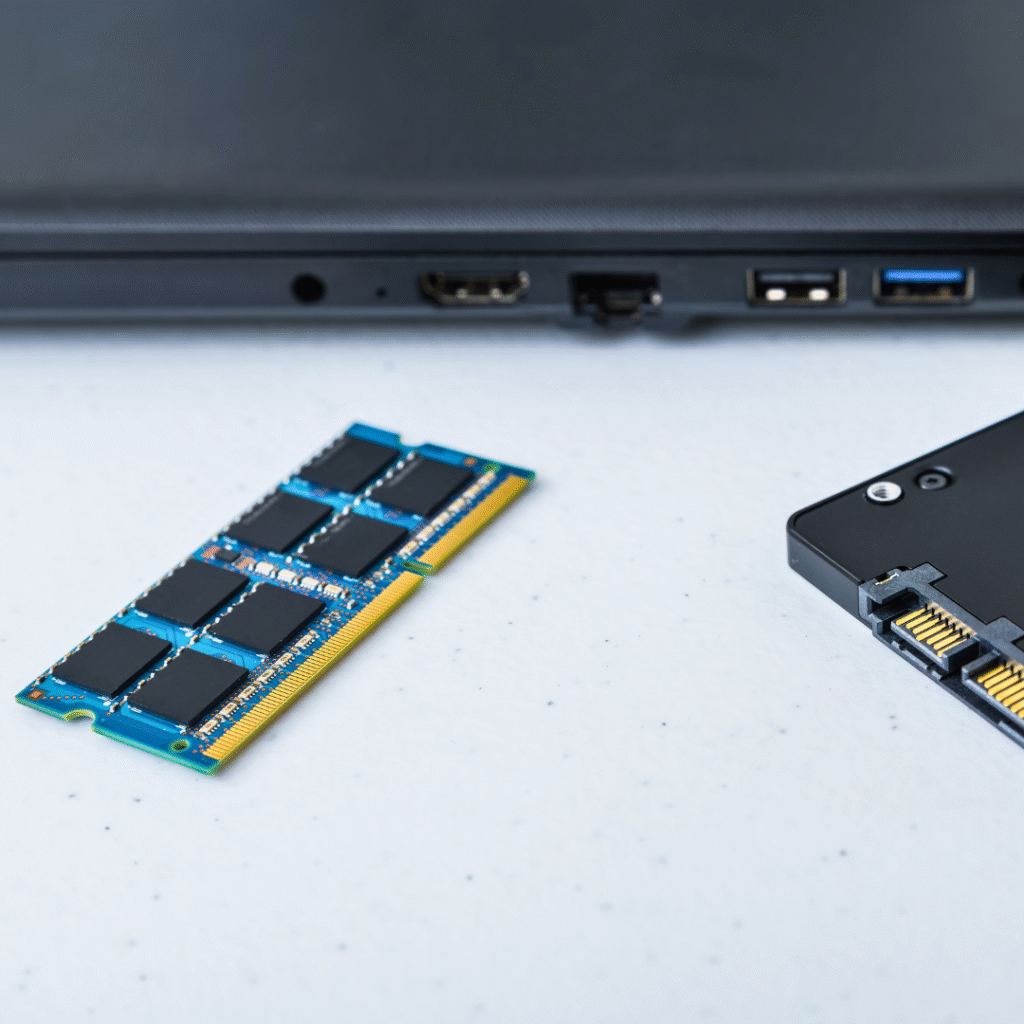
Ram and Harddisk Upgrade

When to Upgrade RAM

  • Your laptop or PC becomes slow while multitasking.
  • Applications like browsers, editing software, or games lag or freeze frequently.
  • System takes a long time to boot up and load programs.
  • High memory usage often shows “Low Memory” warnings.
  • You want to run newer or heavier software that requires more RAM.


When to Upgrade Hard Disk (HDD → SSD or Larger Capacity)

  • Your storage space is almost full and you frequently delete files to free space.
  • System startup and software loading take too long due to slow HDD performance.
  • You want faster speed and better performance by switching to an SSD.
  • Your current hard disk makes unusual noises or shows disk errors.
  • You need more space for games, videos, project files, or business data.

Windows and Software update

  • When support for your current version is ending or already expired

  • When performance becomes slow or unstable due to outdated software

  • When new security vulnerabilities are discovered and updates are required

  • When new features or improved functionality are needed for productivity

  • When newer hardware or devices require updated system compatibility

  • When old applications stop working or show frequent errors

  • When software updates are needed for compliance or business regulations

  • When you experience frequent crashes, freeze-ups, or boot failures

  • When you require better protection from malware, ransomware, and cyber threats

  • When you want access to modern interface design and enhanced user experience

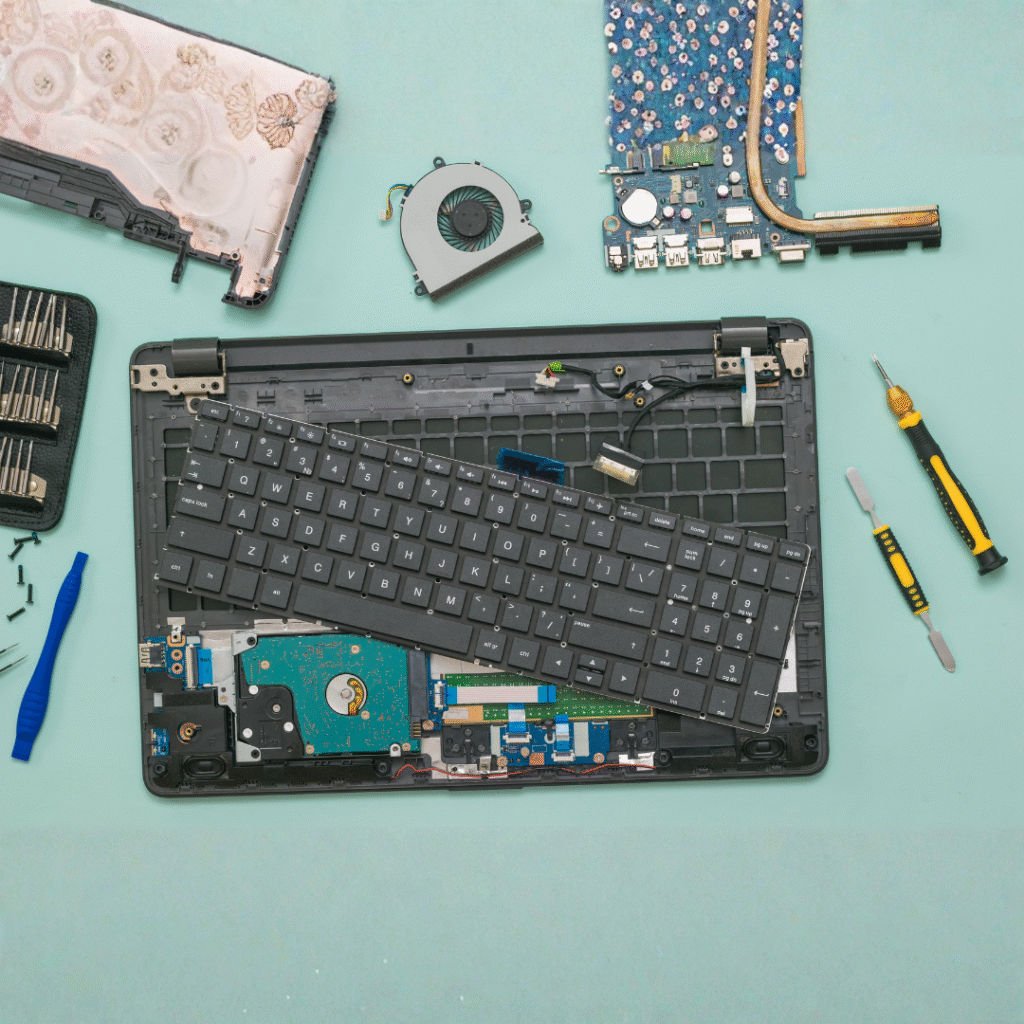
Keyboard Replacement

  • Keys are not responding or require extra pressure to type

  • Multiple keys are physically damaged or missing

  • Keys are typing wrong characters or repeating automatically

  • Liquid spill has caused malfunction or sticking keys

  • Backlit keyboard lighting has stopped working (for supported models)

  • Keyboard is completely dead after system update or hardware impact

  • Ghost typing (keys typing by themselves)

  • Uneven or noisy key clicks due to broken key mechanisms

  • Frequent typing errors due to worn-out keyboard membrane

  • Keyboard not detected in BIOS or system even after troubleshooting

General Services

  • Complete Laptop Diagnosis & Troubleshooting

  • Operating System Installation & Upgrades

  • Virus, Malware & Security Threat Removal

  • Slow Performance Fix & System Optimization

  • Software Installation & Configuration

  • Keyboard, Touchpad & Screen Repairs

  • Data Backup & Data Recovery Assistance

  • Battery, Adapter & Charging Port Issues Fix

  • Hardware Cleaning & Thermal Paste Replacement

  • Wi-Fi, Bluetooth & Connectivity Issue Resolution

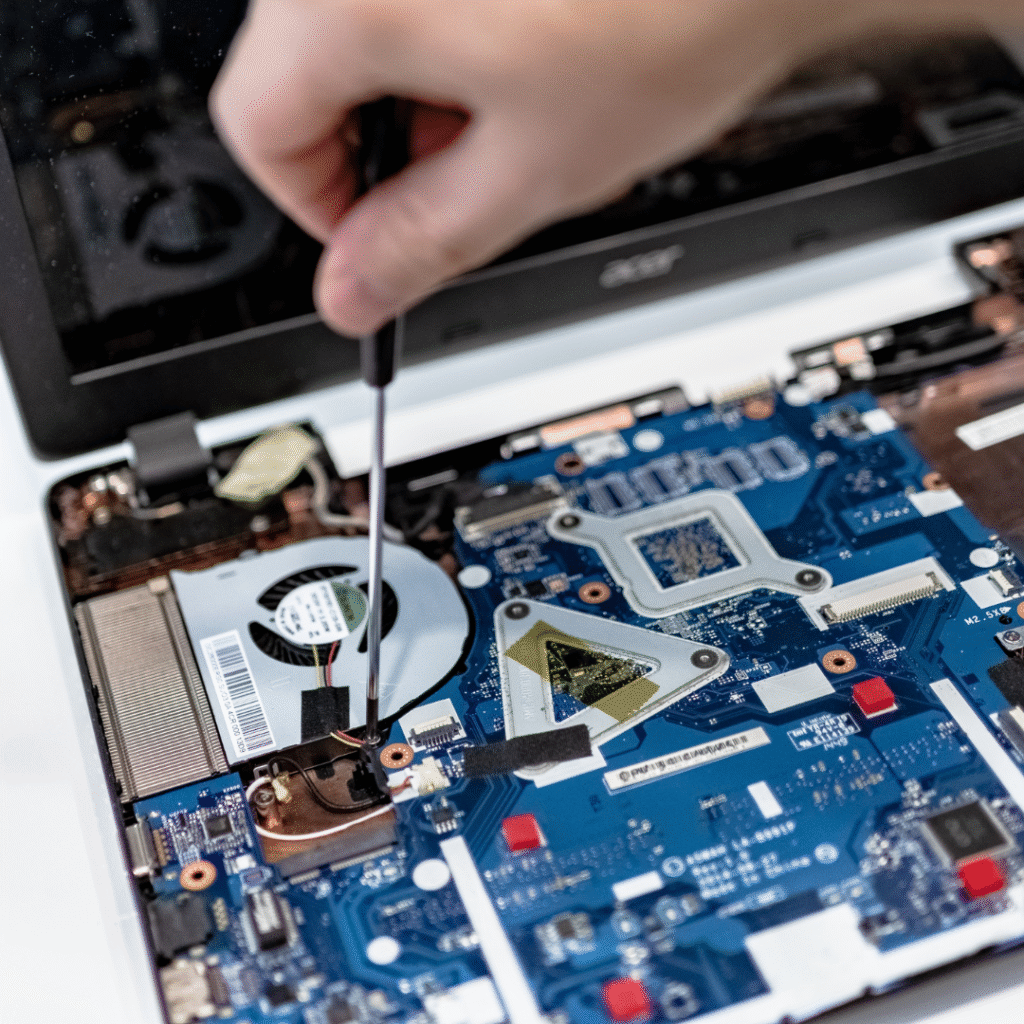
Motherboard Repair

  • The laptop isn’t powering ON or only shows power light with no display
  • Motherboard failure or need for motherboard repairing
  • Laptop overheating due to chipset or GPU failure
  • Liquid damage affecting internal components
  • USB ports, HDMI, LAN, or charging port on the motherboard not working
  • No battery charging even with a working charger
  • BIOS corruption or laptop stuck on logo screen
  • Random shutdowns, restarts, or freezing caused by motherboard faults
  • Graphics issue like lines on screen or no display due to GPU/VRAM faults
  • Short circuit or burnt motherboard components needing replacement

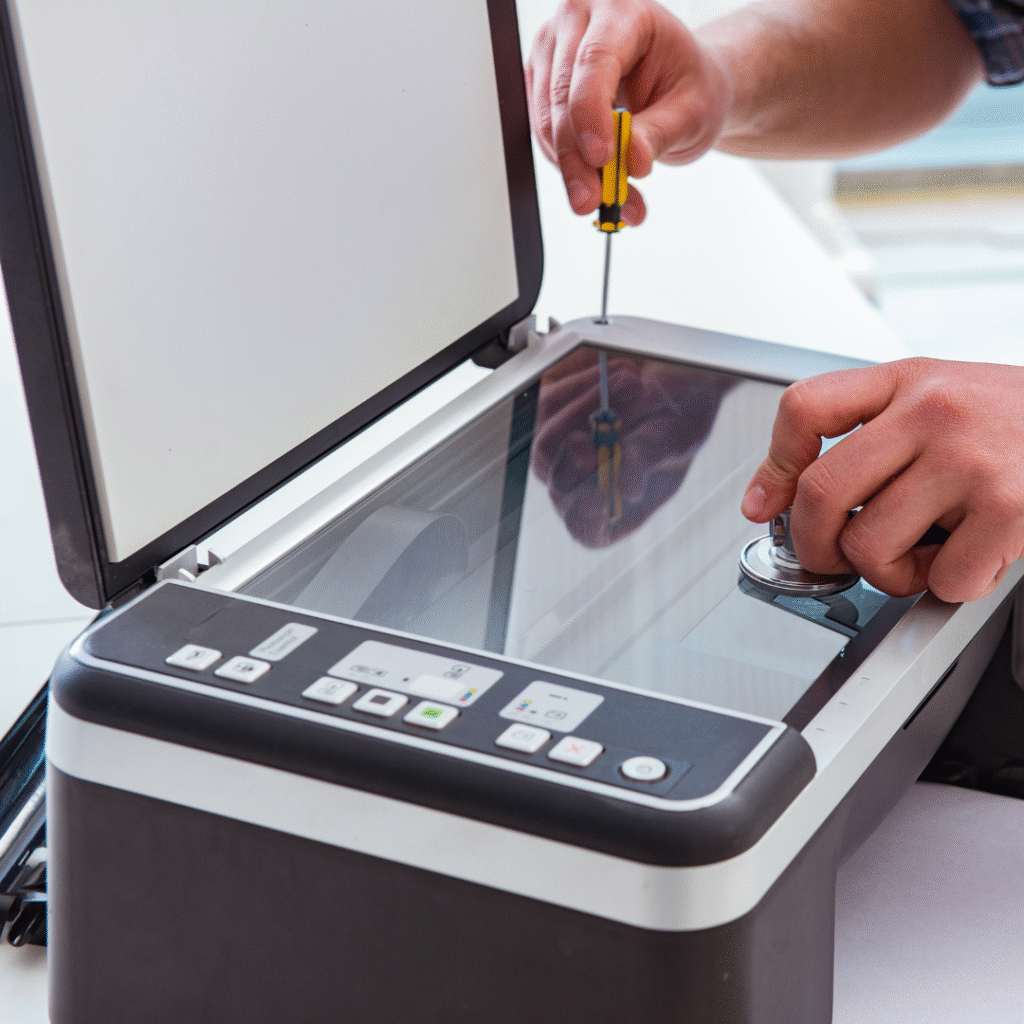
Printer Repair & Services

• Fast and reliable diagnosis of printer issues
• Expert repair for all major printer brands and models
• On-site service available for homes and businesses
• Affordable pricing with transparent cost estimates
• Regular printer maintenance to prevent breakdowns
• Cartridge and toner replacement support
• Network and wireless printer setup assistance
• Genuine spare parts for long-lasting performance
• Quick turnaround to minimize downtime
• Skilled technicians with strong customer support

Ă—

Cart